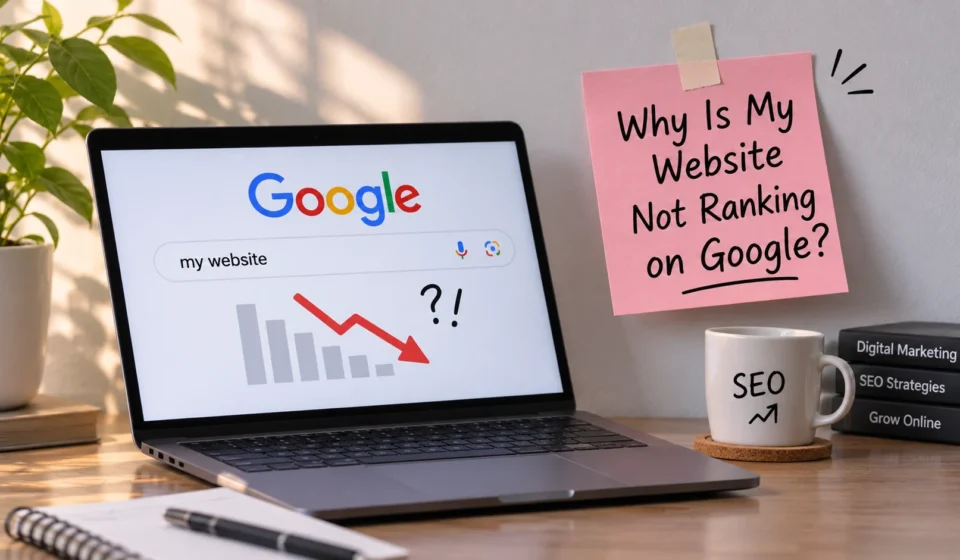

Have you created a website, published several blog posts, and waited for visitors, but your website still doesn’t appear on Google? If yes, you are not alone.
Many website owners struggle to get their websites ranked on Google’s search results, even after publishing quality content. Getting your website to rank on Google takes time, proper SEO strategies, quality content, and a good understanding of how search engines work.
Google uses various systems to understand, evaluate, and rank web pages. If your website is not receiving organic traffic, there may be several reasons behind it.
In this blog, we will explore 10 common reasons why your website is not ranking on Google and how you can fix them to improve your website’s visibility and organic traffic.
1. Your Website Is Not Indexed by Google
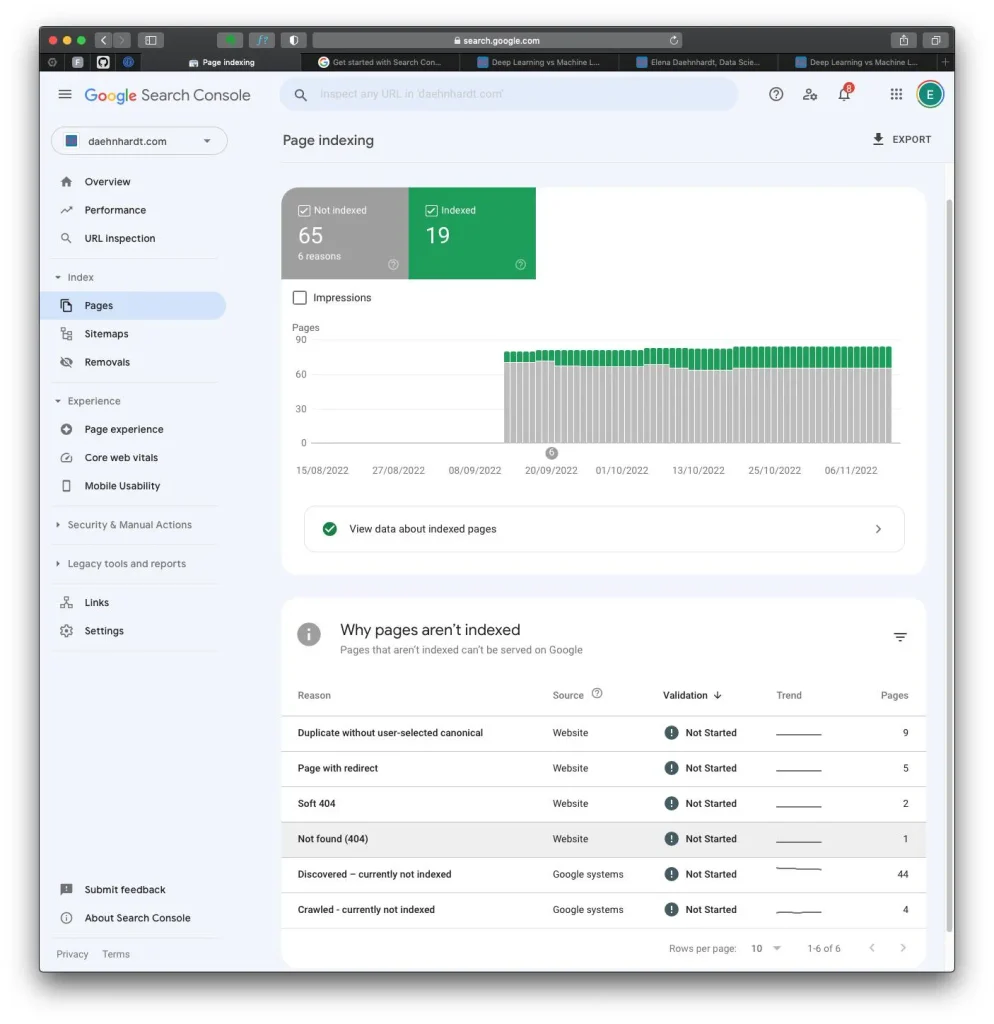
One of the most common reasons your website may not appear in Google search results is that Google has not indexed your pages.
Indexing means Google has discovered your webpage, analyzed its content, and stored it in its search index. If your website is not indexed, it generally cannot appear in Google’s search results.
How to fix it:
- Create a Google Search Console account.
- Submit your website’s XML sitemap.
- Use the URL Inspection tool to check whether your pages are indexed.
- Request indexing for important new or updated pages.
- Check whether your website accidentally blocks search engines.
2. You Are Not Using the Right Keywords
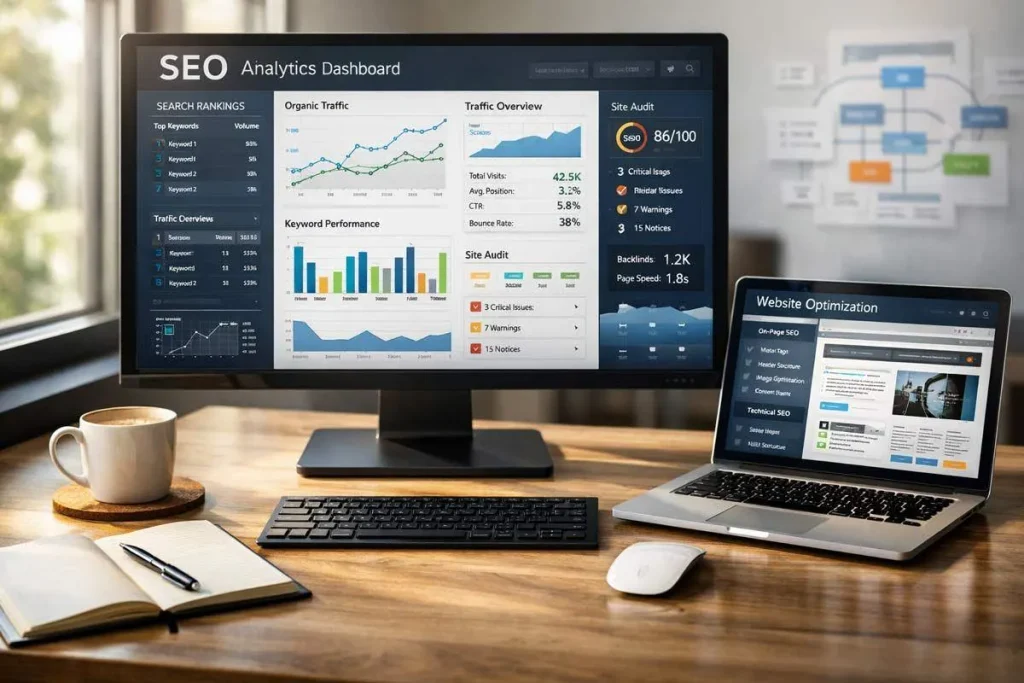
Keywords play an important role in SEO. They help search engines understand what your webpage is about and help connect your content with relevant searches.
If you are targeting keywords that are too competitive or unrelated to your content, it may become difficult to attract the right audience.
For example, a new website may struggle to rank for a highly competitive keyword such as “Digital Marketing.”
Instead, it can target more specific keywords such as:
- Digital marketing tips for small businesses.
- SEO strategies for beginners.
- How to improve website ranking on Google.
How to fix it:
- Conduct proper keyword research before writing content.
- Focus on relevant long-tail keywords.
- Understand what your target audience is searching for.
- Use your primary keyword naturally in your title, headings, URL, and content.
- Avoid keyword stuffing.
3. Your Content Is Not Helpful or Valuable
Content quality is one of the important factors in building a successful website.
If your blog posts contain copied information, unnecessary sentences, outdated information, or content that does not answer users’ questions, visitors may not find them useful.
Google aims to provide helpful, reliable, and people-first content to users.
How to fix it:
- Write original and informative content.
- Answer the questions your audience is searching for.
- Provide practical examples and useful information.
- Organize your content with proper headings.
- Update old blog posts whenever necessary.
Remember, writing long articles is not enough. Your content should provide real value to readers.
4. Your Website Has Poor Technical SEO
Technical SEO helps search engines crawl, understand, and index your website properly.
Even if your content is excellent, technical problems can prevent search engines from accessing your pages.
Some common technical SEO problems include:
- Broken links.
- Incorrect redirects.
- Missing XML sitemap.
- Duplicate content.
- Incorrect robots.txt settings.
- Pages with loading errors.
How to fix it:
- Regularly check your website for technical errors.
- Fix broken links and incorrect redirects.
- Submit an updated XML sitemap.
- Make sure important pages are accessible to search engines.
- Use Google Search Console to identify indexing and crawling issues.
5. Your Website Loads Too Slowly
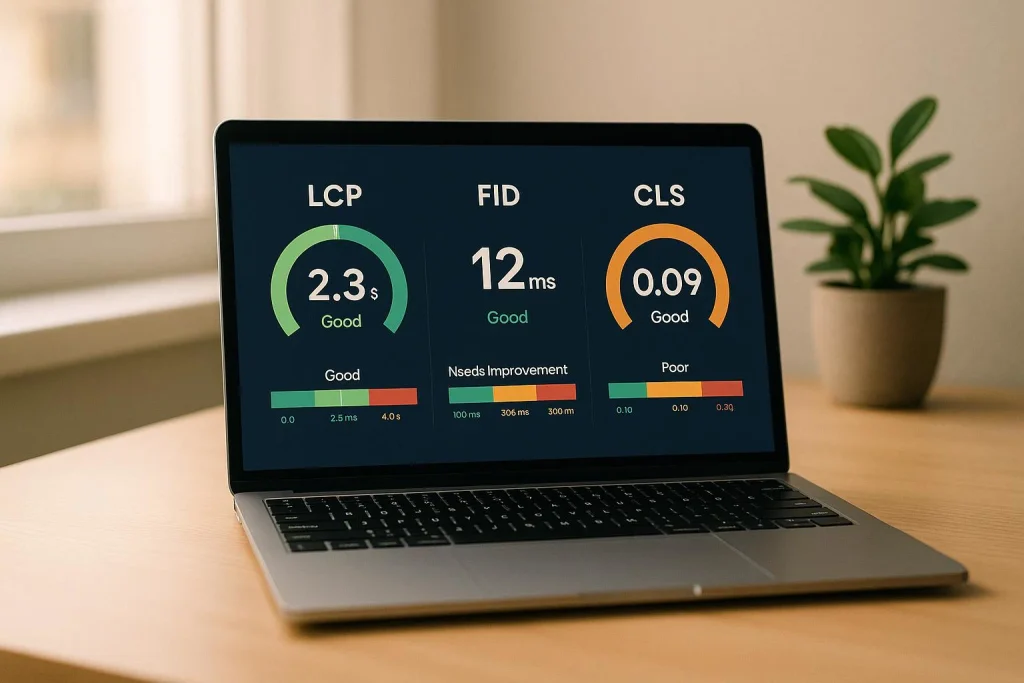
Website speed is important for both user experience and SEO.
Imagine someone visits your website, but it takes too long to load. They may leave before reading your content.
A slow website can negatively affect the overall user experience and may make it harder to compete in search results.
How to fix it:
- Compress large images before uploading them.
- Choose a reliable hosting provider.
- Use a lightweight WordPress theme.
- Remove unnecessary plugins.
- Enable caching where appropriate.
- Optimize your website for mobile devices.
You can use Google PageSpeed Insights to test your website’s performance.
6. Your Website Is Not Mobile-Friendly
Most people use smartphones to browse websites, read blogs, and search for information online.
If your website does not display properly on mobile devices, visitors may struggle to read your content or navigate between pages.
Google primarily uses the mobile version of a website for indexing and ranking.
How to fix it:
- Choose a responsive WordPress theme.
- Make sure your text is easy to read on smaller screens.
- Avoid oversized images.
- Keep navigation simple.
- Test your website on different screen sizes.
A mobile-friendly website provides a better experience for visitors and supports your SEO efforts.
7. You Are Ignoring On-Page SEO
On-page SEO refers to optimizing individual webpages to help search engines and users understand their content.
If your website has poorly optimized titles, missing meta descriptions, or an unclear heading structure, you may miss opportunities to improve your search visibility.
How to fix it:
- Write unique and descriptive SEO titles.
- Add relevant meta descriptions.
- Use your focus keyword naturally.
- Organize content using H1, H2, and H3 headings.
- Add descriptive image alt text.
- Create meaningful and short URLs.
For WordPress websites, plugins such as Rank Math and Yoast SEO can help you manage important on-page SEO elements.
8. Your Website Does Not Have Quality Backlinks
Backlinks are links from other websites that point to your website.
They can help search engines discover your content and understand its relevance and authority.
However, having a large number of backlinks does not automatically guarantee better rankings. Quality and relevance matter.
How to fix it:
- Create useful content that other websites may want to reference.
- Write guest posts on relevant websites.
- Build relationships with bloggers in your industry.
- Share informative resources.
- Avoid buying spammy backlinks.
Focus on earning relevant and trustworthy backlinks instead of collecting random links.
9. Your Website Has Poor Internal Linking
Internal links connect one page of your website to another page on the same website.
They help visitors discover related content and help search engines understand the structure of your website.
For example, if you have a blog post about keyword research, you can link it to another article about SEO strategies.
How to fix it:
- Link related blog posts together.
- Use descriptive anchor text.
- Link important pages from relevant articles.
- Make sure your important pages are easy to navigate.
- Avoid adding unnecessary links.
A good internal linking structure improves website navigation and helps search engines discover your content.
10. You Are Not Updating Your Website Regularly
Publishing content once and never updating it can limit your website’s growth.
Some topics change over time, and outdated information may no longer be useful to readers.
Regularly reviewing your content helps maintain its accuracy, relevance, and usefulness.
How to fix it:
- Update outdated information.
- Replace broken links.
- Add new examples and useful details.
- Review old blog posts in Google Search Console.
- Improve articles that are receiving impressions but few clicks.
Remember, publishing new content is useful, but maintaining your existing content is equally important.
11. You Expect Results Too Quickly
SEO is a long-term process. Many website owners expect their pages to rank on Google immediately after publishing a blog post, but search engines need time to discover, crawl, index, and evaluate new content.
Your website may take weeks or even months to show noticeable improvements in search results.
How to fix it:
- Be consistent with publishing useful content.
- Monitor your website’s performance.
- Improve existing articles.
- Build relevant backlinks naturally.
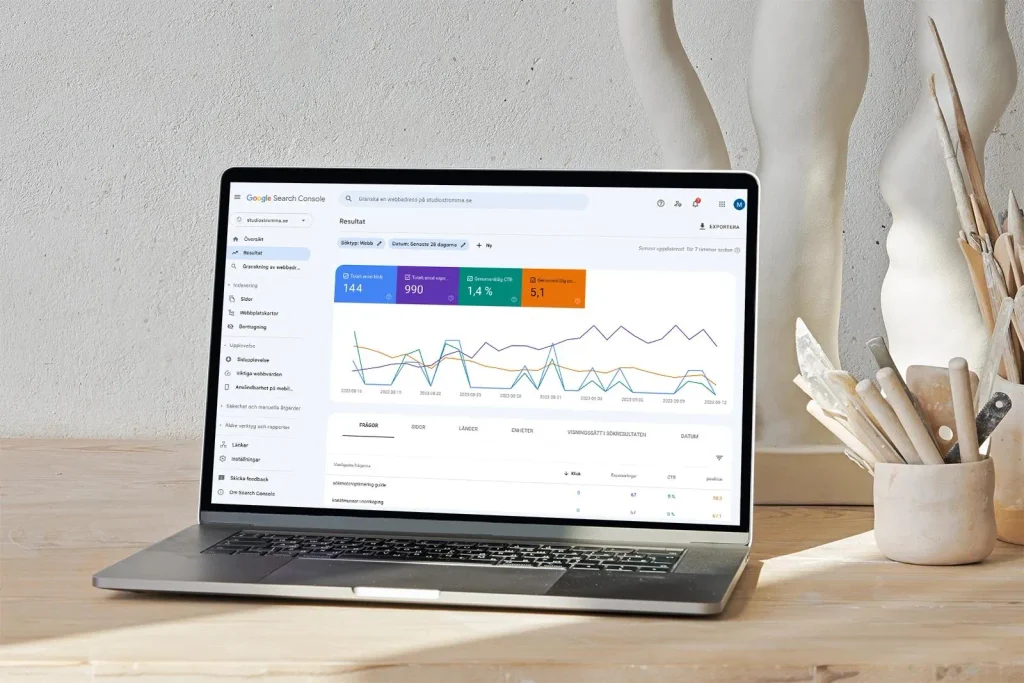
- Track your progress using Google Search Console.
Don’t lose patience if your website does not rank immediately. Focus on improving your website step by step.
How to Check Why Your Website Is Not Ranking on Google
If you are unsure what is affecting your website’s performance, you can use these free tools to identify potential SEO problems.
| SEO Tool | What It Does |
|---|---|
| Google Search Console | Checks indexing and search performance |
| Google Analytics 4 | Tracks website visitors and their behaviour |
| Google PageSpeed Insights | Measures website performance |
| Google Keyword Planner | Helps with keyword research |
| Rank Math SEO | Helps optimize WordPress content |
These tools can help you understand your website’s performance and identify areas that need improvement.
Conclusion
If your website is not ranking on Google, don’t assume that your website is unsuccessful. There may be several reasons affecting its visibility, including poor keyword research, technical SEO problems, slow loading speed, low-quality content, and indexing issues.
The best way to improve your website’s ranking is to focus on creating helpful content, implementing effective SEO strategies, improving user experience, and monitoring your website’s performance.
Remember, SEO is not about finding shortcuts to reach the first position on Google. It is about building a website that provides value to its visitors.
Start implementing these SEO improvements today and give your website a better opportunity to grow in search results.
Frequently Asked Questions (FAQs)
1. Why is my website not showing on Google?
Your website may not be appearing on Google because it has not been indexed, has technical issues, or does not meet Google’s requirements for appearing in search results.
2. How long does it take for a website to rank on Google?
There is no fixed timeline. Some pages may appear in search results relatively quickly, while gaining meaningful rankings can take several weeks or months.
3. Can I rank my website on Google without paying?
Yes. You can improve your website’s organic visibility through SEO without paying Google for rankings. However, SEO tools, hosting, and professional services may involve costs.
4. Does publishing blogs improve SEO?
Publishing helpful, relevant, and original blog posts can help your website attract organic traffic and cover more topics your audience searches for. Simply publishing more articles does not guarantee higher rankings.
5. Which is the best free tool to check website ranking?
Google Search Console is one of the best free tools for monitoring your website’s search performance, including impressions, clicks, queries, and average position.
Note : This is AI generted content.